
⏱ 1 min read
The Short Version
A first-time roaster's mishandled Kaleido M1 Pro highlights how even top gear fails without proper setup, preheating, and calibrated settings. Missteps like ignoring thermal stability and mismatched batch sizes led to chaotic roasts, proving data and precision are key.
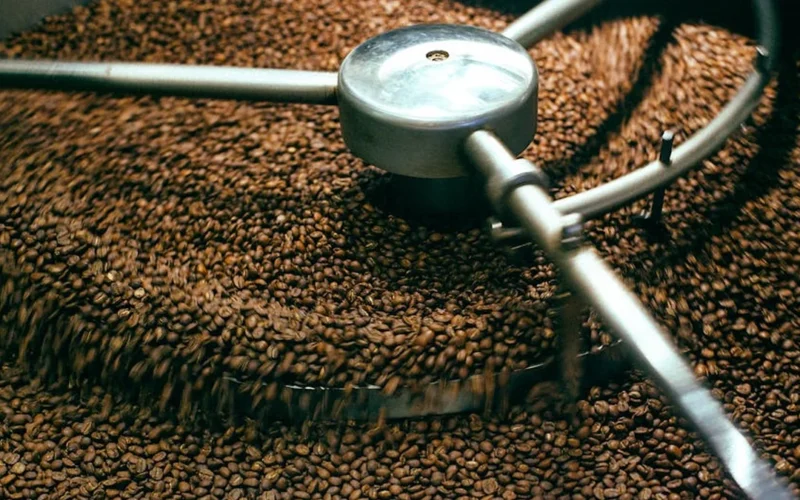
A first-time roaster’s missteps with the Kaleido M1 Pro reveal critical lessons for anyone chasing the perfect roast. The machine’s precision is undeniable, but without the right approach, even the best gear can feel like a liability. The user’s setup—Kaleido M1 Pro (Serial version, 220V), Artisan 4.0.2 on Mac, 135g batches of Laotian Catimor Natural—was ill-suited for the machine’s thermal demands. Preheating wasn’t just about hitting a target temp—it required 15-20 minutes of thermal stability. The user treated air as a thermostat, a mistake that amplified chaos. Batch size mattered too: a profile built for 180g on 135g roasts created a heat transfer nightmare. SV (serving temp) wasn’t a target, but a ceiling. Setting it high (~440°F) and letting burner % do the work was the fix.
If you're not saving your roast logs you're making learning way harder than it needs to be.
The Setup: A First-Timer’s Quirks
The Kaleido M1 Pro isn’t forgiving of half-measures. A lack of pre-roast calibration led to inconsistent heat distribution, which compounded the user’s errors. The machine’s sensitivity to minor adjustments in settings—like burner percentage and serving temp—meant that even small deviations could derail the roast. The user’s approach failed to account for these variables, leading to a series of missteps.
Data as the Roaster’s Compass
Roast logs aren’t just files—they’re lifelines. The user’s .alog files exposed ET collapses in Roast #2 and a flat ROR curve in Roast #3, turning post-mortems into precise science. Without them, trial and error becomes a guessing game. The lesson? Save every log. It’s the difference between stumbling and refining.
If you’re not saving your roast logs you’re making learning way harder than it needs to be.
What’s the one adjustment you’d make to your first roast? Share your fixes below.
Questions & Answers
How long should I preheat my Kaleido M1 Pro before roasting?
Preheat your Kaleido M1 Pro for 15-20 minutes to achieve thermal stability. This ensures the machine reaches and maintains the correct temperature for consistent heat distribution. Rushing this step can lead to erratic roast profiles and poor results.
Why is batch size important when using the Kaleido M1 Pro?
Batch size affects heat transfer during roasting. Using a smaller batch, like 135g, on a profile designed for 180g can cause thermal imbalances. Adjusting profiles to match batch sizes ensures even heat distribution and better control over the roast.
What role does serving temp play in roasting with the Kaleido M1 Pro?
Serving temp acts as a ceiling, not a target. Set it high, around 440°F, and let the burner percentage manage the roast. This approach avoids overheating and ensures the machine’s thermal dynamics work efficiently throughout the process.
How can roast logs improve my roasting experience?
Roast logs provide critical insights into your roast profile, revealing issues like ET collapses or flat ROR curves. They turn trial and error into a refined process, helping you identify and correct mistakes quickly. Saving every log is essential for learning and improving your technique.
Originally reported by Reddit Coffee Roasting.